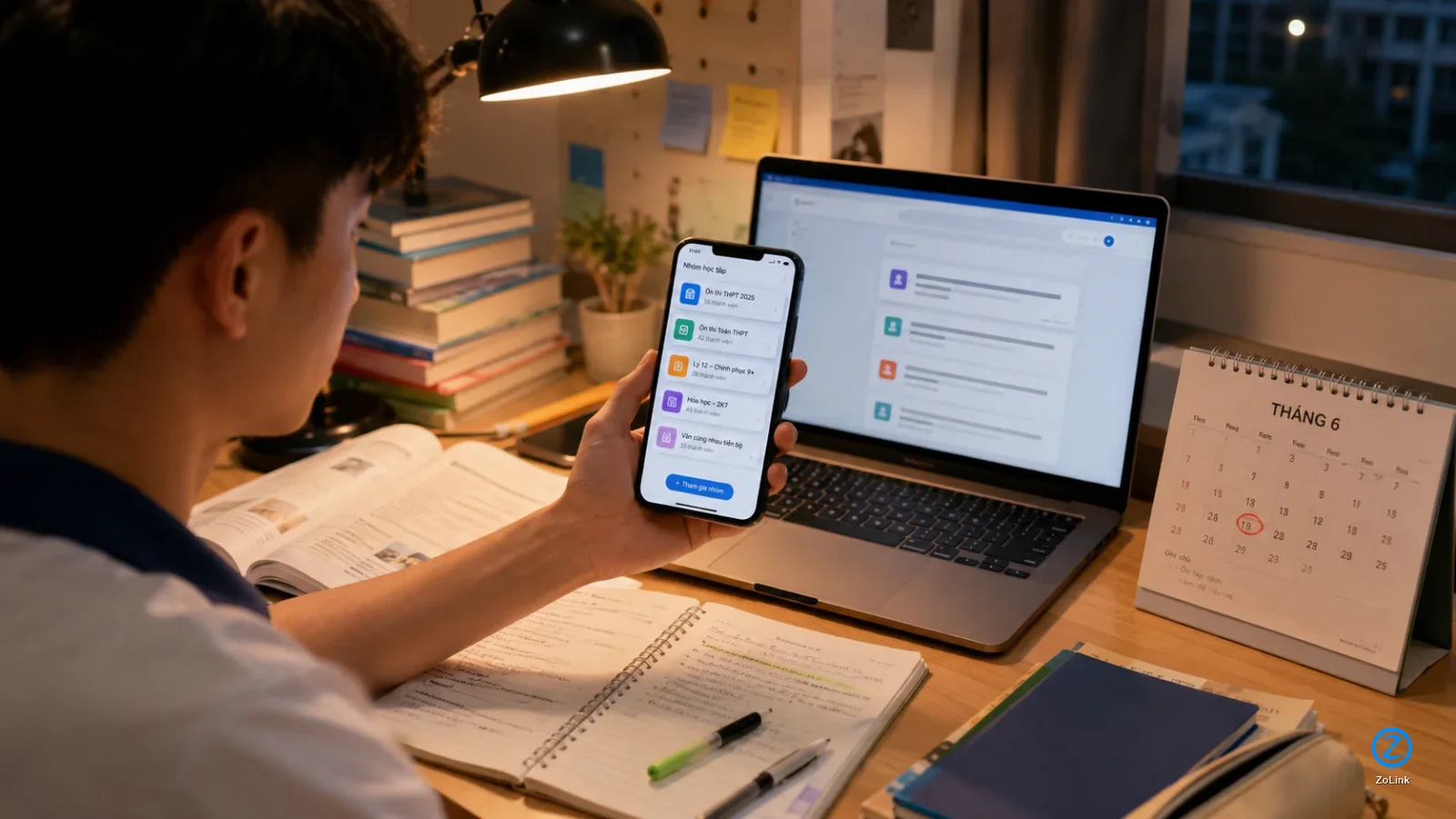
Why Zalo group links should be short and safe
When someone receives a Zalo group link, they usually do not click just because a URL is in front of them. They want to know what the group is about, whether it matches their needs, whether the sender is trustworthy, and whether the link really leads to the right community. That is why a good group link should not only work, but also be easy to understand, easy to remember, and reassuring at first glance.
For study groups, business groups, local communities, customer support groups, or overseas Vietnamese communities, the way a link is shared directly affects the quality of new members. When the link comes with a clear description, people can make a decision more easily. When it is just a long URL with no context, many users will ignore it even if the group is actually useful to them.

- A short link is easier to read, remember, and forward to others.
- A clear description helps people understand the group before joining.
- A safer-looking link reduces hesitation when the recipient does not know the sender well.
Common problems when sharing Zalo group links
Many people create a group, copy the original link, and paste it directly into messages, posts, or comments. This is fast, but not always effective. Original links are often long, full of characters that are hard to remember, and they do not tell recipients what the group is about. When someone sees an unfamiliar link with no explanation, they may assume it is spam, a wrong link, or an inactive link.
Another common issue is sharing the group link too broadly in the wrong places. For example, a group meant only for residents in a small area may be posted across unrelated communities. As a result, people who do not match the group’s purpose may join, ask off-topic questions, advertise, or leave quickly. The member count may rise in the short term, but the quality of the community can decline.

- Long links are harder to remember and harder to distinguish from other links.
- Without a description, readers cannot tell whether the group fits their needs.
- Sharing in the wrong places can bring in members who are not aligned with the group.
When you should shorten a Zalo group link
You should shorten a Zalo group link when you need to send it repeatedly, place it in a short piece of content, or make the URL look more professional. Shortened links are especially useful in video descriptions, social posts, customer care messages, QR codes, flyers, business cards, and community introductions. A shorter, cleaner link makes recipients feel more comfortable clicking it.
However, shortening a link should not mean hiding its destination. Recipients still need to know which group the link leads to, what the group is for, and whether there are any conditions for joining. A bare shortened link is still weak on its own. A better approach is to pair the shortened link with a brief introduction that is relevant, accurate, and not misleading.
- Shorten a link when it needs to appear in many places or become easier to remember.
- Do not use a shortened link to hide what the group is really about.
- Always place the link next to a short description so recipients know what they are clicking.
How to make a Zalo link easier to remember
First, make sure the original group link is still active and leads to the correct group. Then choose a link shortener that lets you create a cleaner, more readable URL. If you can customize the final part of the link, use a slug that directly relates to the group, such as its topic, location, industry, or purpose.
For example, an English learning group can use an ending related to English study, speaking practice, or learning materials. A jobs group can use wording related to recruitment, job search, or its operating area. On ZoLink’s guide for shortening and submitting links, you can review how to prepare your information before submission at https://zolink.vn/huong-dan-gui-link so the link is easier to understand.
- Check the original link before creating a shortened version.
- Use a short, readable, non-accented slug that reflects the topic.
- Avoid strange character strings, long numbers, or names unrelated to the group.
How to write a short description for a group link
An effective Zalo group link should come with a short introduction. It does not need to be long, but it should answer three points clearly: who the group is for, what members will get, and whether there is anything they should know before joining. For a study group, mention the subject, level, or learning goal. For a business group, clarify the industry, location, or type of discussion allowed.
Instead of writing something generic like please join my group, be more specific: this group is for people looking for part-time jobs in the city, with daily updates and no paid recruitment posts allowed. This kind of wording helps readers filter themselves before clicking, reduces mismatched members, and keeps discussions more relevant.
- State who the group is for right in the introduction.
- Explain the main benefit of joining in plain language.
- Add important notes such as location, rules, or joining requirements.
Where to share Zalo group links effectively
Not every place is suitable for posting a group link. If the group supports customers, the link should appear where customers can easily find it, such as a service page, automated message, in-store QR code, or service description. If it is a learning community, the link should be shared together with useful content, schedules, materials, or a clearly stated learning goal. If it is a local group, prioritize spaces where people from the same area and with the same interests are likely to see it.
You can also submit groups to community discovery platforms so people with an active need can find them more easily. For topics such as jobs, education, technology, daily life, entertainment, or services, placing a group in the right category helps readers filter options faster. The point is not just to expose the link to more people, but to put it where the right people are already looking.

- Place the link where people are genuinely interested in the group’s topic.
- Do not drop a bare link without a clear description or context.
- Choose the right category so people can recognize the group before joining.
How to check a group link before wider sharing
Before sharing a Zalo group link publicly, check it as if you were a new recipient. Open the link, make sure it still works, confirm the group name is correct, review whether the group avatar is recognizable, and check whether the group description is still accurate. If the group has changed its purpose, changed its name, or stopped accepting new members, do not keep using the old link in new posts.
You should also review the joining settings. Some groups require approval, have member limits, or are only suitable for a specific area, profession, or audience. If the link is shared publicly, administrators should prepare group rules, a welcome message, and a way to handle unsuitable members from the start.
- Open the link to make sure it still works.
- Check the group name, avatar, description, and rules before sharing.
- Decide whether the group is open to everyone or requires member approval.
Safety tips when making a group link public
Making a group link public can increase reach, but it also brings risks. The group may receive mismatched members, advertising accounts, spam content, or people who join only to collect information. Before wider sharing, consider enabling member approval, preparing clear rules, and monitoring new-member activity during the early stage.
Safety matters even more for groups related to buying and selling, finance, recruitment, or customer support. Remind members not to transfer money to strangers, share verification codes, send personal documents, or post sensitive information in the group. A group link is only the doorway into the community; a safe experience depends on how the group is managed afterward.
- Enable member approval if the group is prone to spam or covers a sensitive topic.
- Pin the rules so new members know what is and is not allowed.
- Monitor new posts to keep the group aligned with its original purpose.
A practical workflow for sharing group links
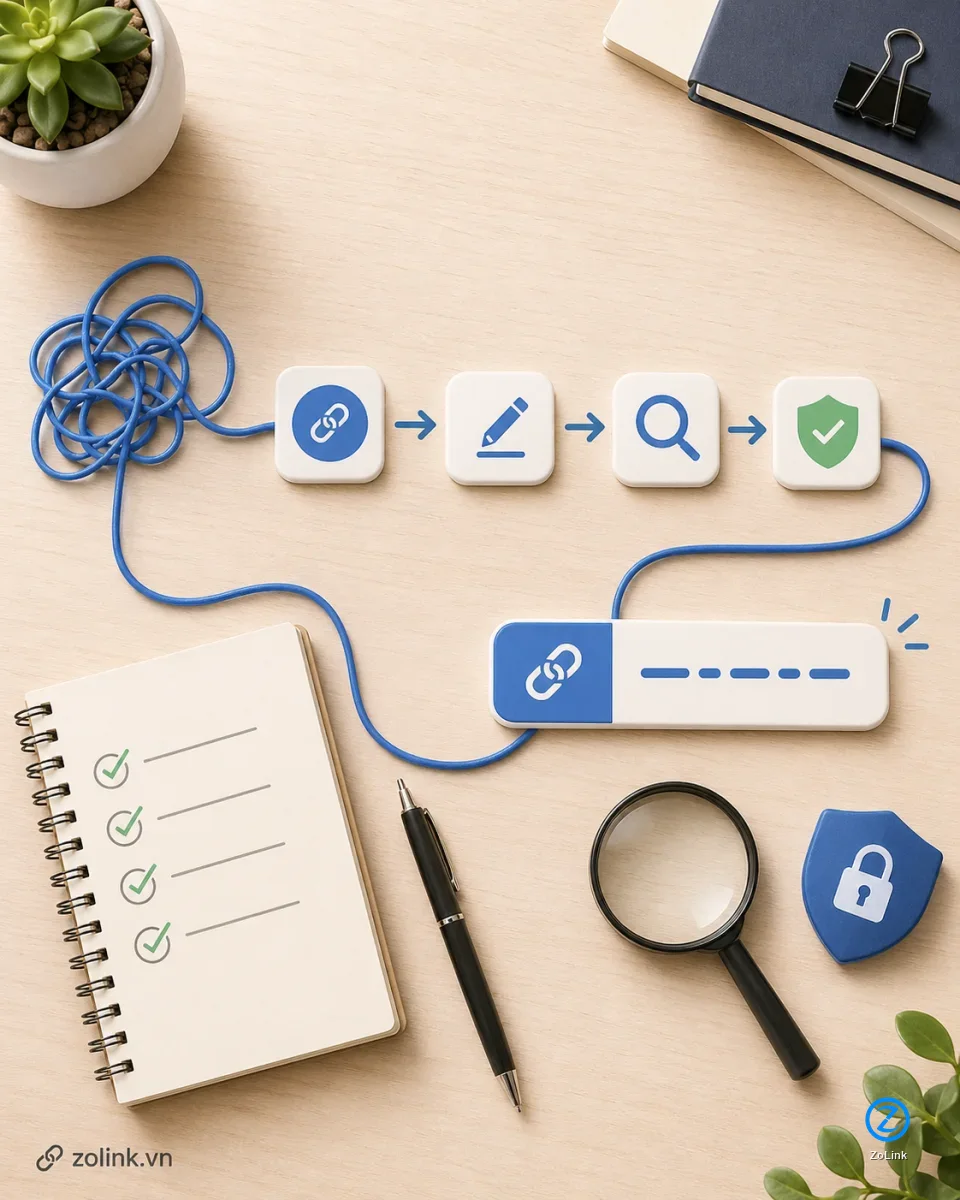
A simple workflow can start with checking the group, copying the original link, shortening it, choosing a memorable slug, writing a short description, selecting the right sharing channel, and monitoring the response. If many people join but leave quickly, review whether your description created the wrong expectations. If many members keep asking the same question, add that information to the description or welcome message.
You should also review links that have already been posted in different places. Older links may no longer be suitable if the group has changed topics, updated its rules, or reached its intended size. For groups that want long-term growth, link sharing should be treated as part of community management, not a one-time task.
- Check the group and original link before sharing.
- Shorten the link with a clear, topic-relevant slug that does not mislead users.
- Track the quality of new members and adjust where you share the link.
Conclusion
Shortening a Zalo group link makes it easier to remember, but the real value comes from the context around that link. A good link should be short, clear, lead to the correct group, and be shared where people have a genuine need. When you combine a shortened link with a specific description, readers can check it more easily, trust it faster, and decide whether to join with more confidence.
Before sending your next group link, check the destination, choose a readable link name, write a short introduction, and select the right place to share it. These steps help your Zalo group grow more steadily, reduce mismatched members, and maintain community quality over time.
- A memorable link makes sharing more convenient and professional.
- A clear description helps recipients evaluate the group before joining.
- Good group management after sharing the link is what keeps a community sustainable.